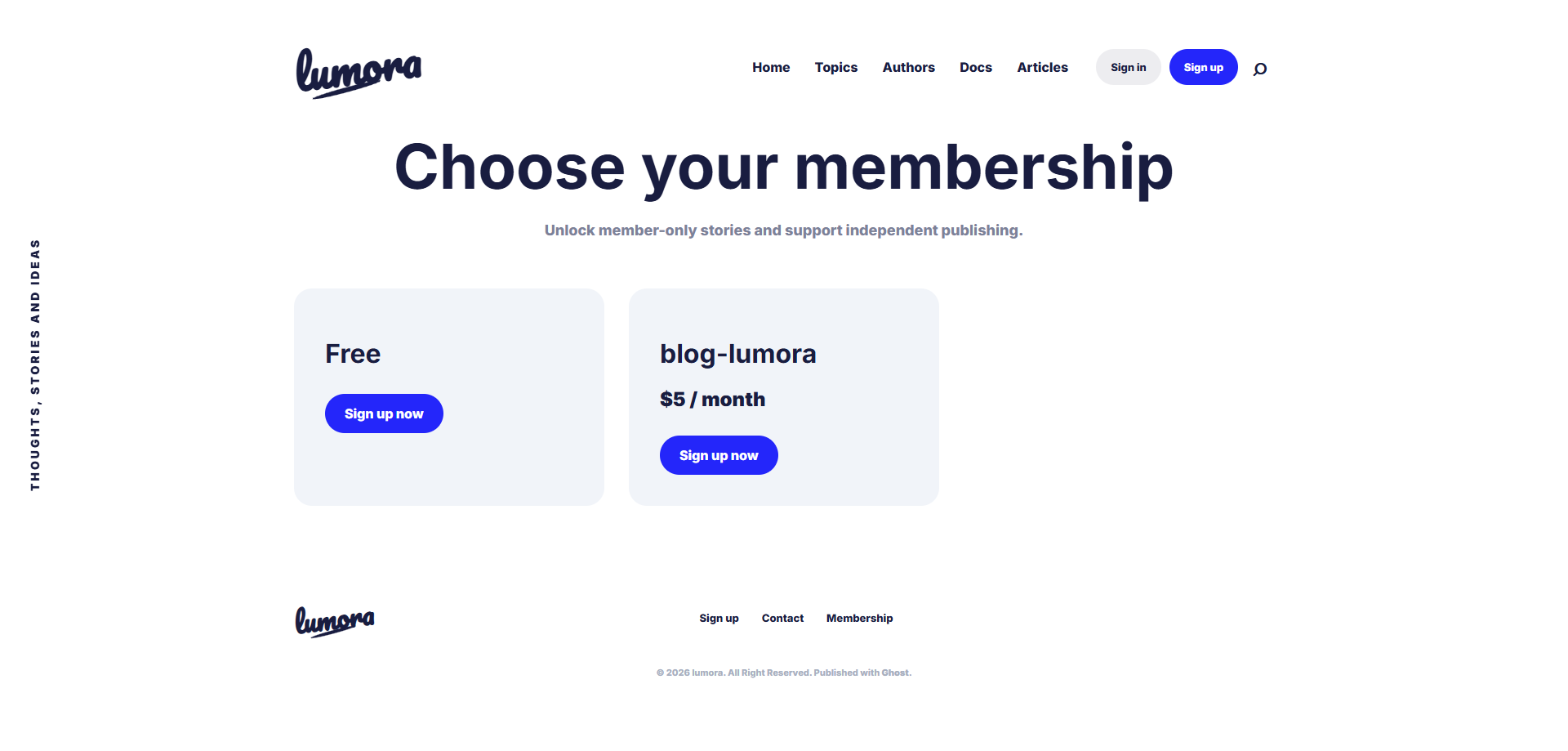
Introduction
Ghost is one of the best platforms for creators who want to build:
- paid newsletters
- premium blogs
- creator communities
- membership websites
Unlike many CMS platforms, Ghost includes memberships and subscriptions directly inside the platform.
That means:
- no heavy plugins
- no complicated setup
- no external membership system required
In this guide, you’ll learn how to create a complete membership website with Ghost.
Why Ghost Is Perfect for Membership Websites
Ghost was designed for modern publishing and creator businesses.
It includes:
- native memberships
- paid subscriptions
- email newsletters
- audience management
- premium content access
all built directly into the platform.
This makes Ghost perfect for:
- writers
- creators
- educators
- indie businesses
- newsletters
- premium publications
What You Need Before Starting
Before creating your membership website, you should have:
- a Ghost installation
- a custom domain
- a professional Ghost theme
- Stripe account for payments
- newsletter configuration
Optional but recommended:
- VPS hosting
- Docker deployment
- Nginx reverse proxy
- CDN for performance
Step 1 — Install Ghost
You can install Ghost:
- manually
- with Ghost(Pro)
- or on your own VPS
For developers, Docker deployment is one of the easiest methods.
Example Docker setup:
version: '3.8'

services:

  ghost:
    image: YOUR_DOCKER_IMAGE:latest
    container_name: ghost_SITE_NAME
    restart: always

    ports:
      - "HOST_PORT:2368"

    environment:
      url: https://SUBDOMAIN.YOUR_DOMAIN.com

      database__client: mysql
      database__connection__host: mysql
      database__connection__user: root
      database__connection__password: YOUR_MYSQL_PASSWORD
      database__connection__database: ghost_SITE_NAME

      NODE_ENV: production

    volumes:
      - SITE_NAME_content:/var/lib/ghost/content

    depends_on:
      mysql:
        condition: service_healthy

    networks:
      - SITE_NAME_network

    healthcheck:
      test: ["CMD-SHELL", "wget -q --spider http://localhost:2368 || exit 1"]
      interval: 30s
      timeout: 10s
      retries: 5
      start_period: 120s

  mysql:
    image: mysql:8.0
    container_name: ghost_SITE_NAME_mysql
    restart: always

    environment:
      MYSQL_ROOT_PASSWORD: YOUR_MYSQL_PASSWORD
      MYSQL_DATABASE: ghost_SITE_NAME

    volumes:
      - SITE_NAME_mysql_data:/var/lib/mysql

    networks:
      - SITE_NAME_network

    command: --default-authentication-plugin=mysql_native_password

    healthcheck:
      test: ["CMD", "mysqladmin", "ping", "-h", "localhost", "-u", "root", "-pYOUR_MYSQL_PASSWORD"]
      interval: 10s
      timeout: 5s
      retries: 5
      start_period: 30s

volumes:
  SITE_NAME_content:
    name: SITE_NAME_content
    driver: local

  SITE_NAME_mysql_data:
    name: SITE_NAME_mysql_data
    driver: local

networks:
  SITE_NAME_network:
    driver: bridge
Real Example From My Setup
I personally run multiple Ghost websites using:
- Docker
- VPS hosting
- Nginx reverse proxy
This setup makes:
- updates easier
- backups simpler
- deployments cleaner

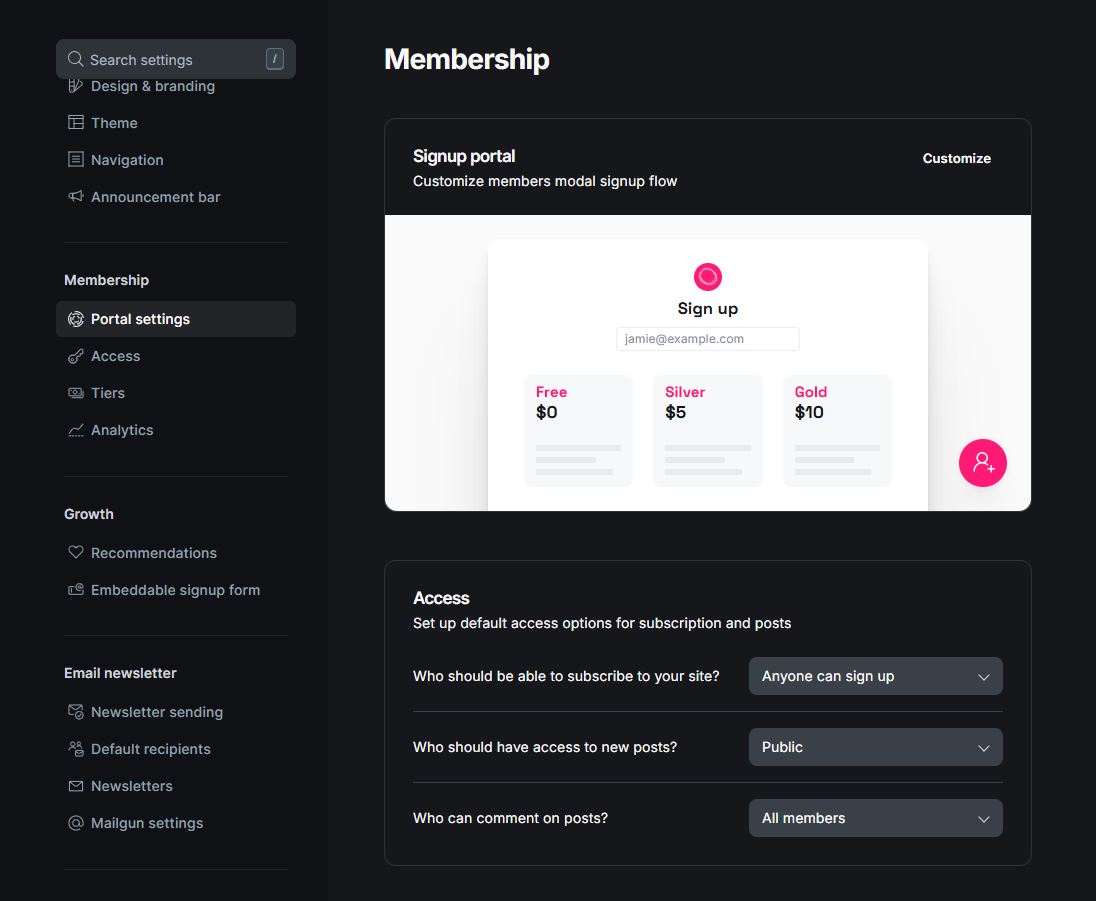
Step 2 — Configure Memberships
Inside Ghost Admin, go to:
Settings → MembershipsFrom here, you can:
- enable memberships
- configure signup forms
- create free tiers
- create paid subscriptions
Ghost handles the membership system automatically.
Step 3 — Connect Stripe
Ghost uses Stripe for payments.
To connect Stripe:
- Open:
Settings → Memberships → Stripe- Connect your Stripe account
- Configure:
- monthly plans
- yearly plans
- currencies
- pricing
Once connected, your website can accept payments instantly.
Step 4 — Create Paid Content
Ghost allows you to restrict content for:
- free members
- paid members
- specific audiences
Inside the editor, use:
Public Previewto create premium locked sections.
This is perfect for:
- premium articles
- exclusive tutorials
- downloadable resources
- private newsletters
Step 5 — Customize Your Membership Pages
A professional membership website should include:
- Pricing page
- Membership page
- About page
- Newsletter landing page
- Contact page
Modern Ghost themes often include beautiful membership components automatically.
Recommended Membership Features
Your website can include:
- premium articles
- member-only newsletters
- downloadable resources
- private communities
- exclusive tutorials
- early access content
This creates recurring revenue opportunities.
Step 6 — Optimize Your Website Design
Membership websites rely heavily on trust and branding.
Focus on:
- clean typography
- premium visuals
- simple navigation
- strong call-to-actions
- fast loading speed
Minimal and modern designs usually convert better.
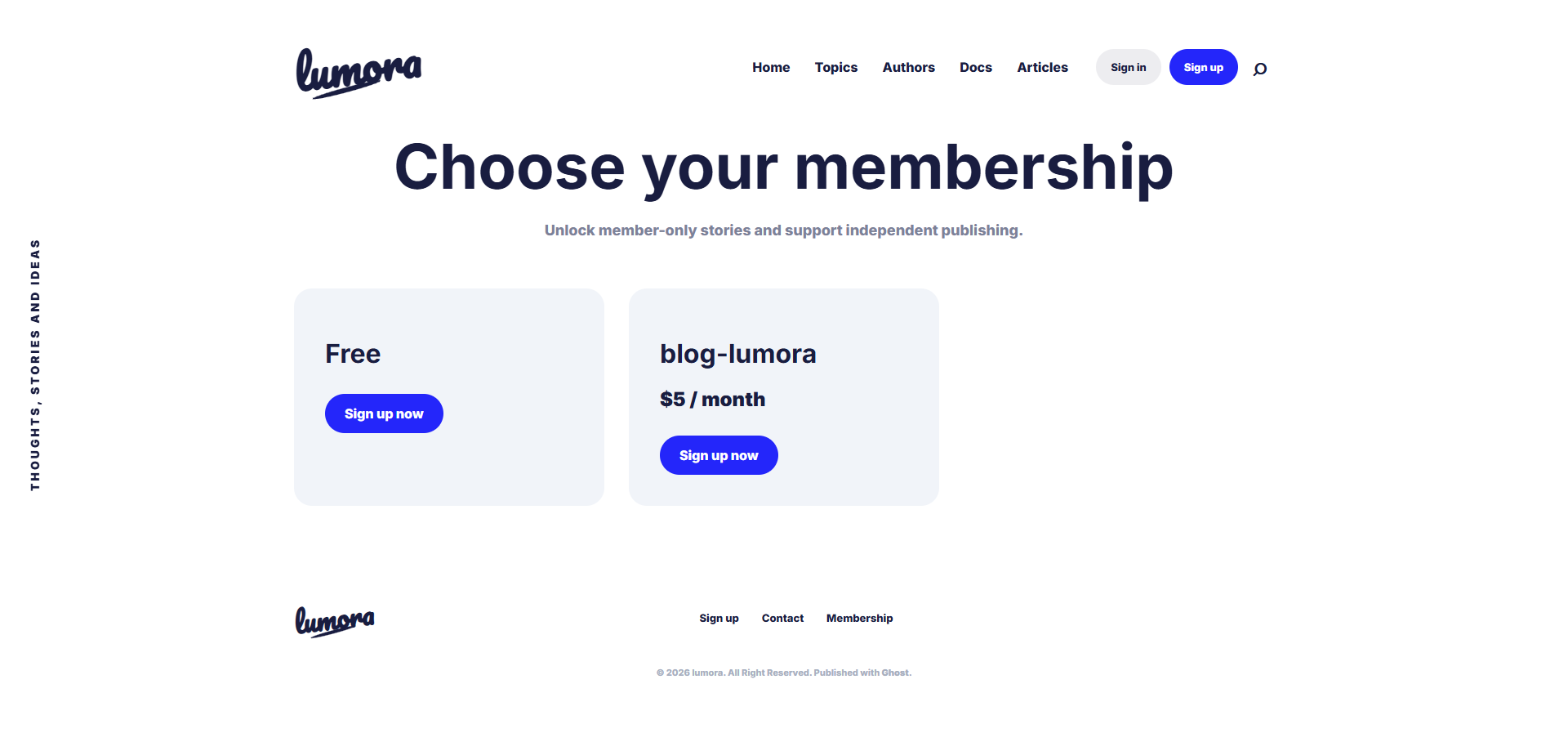
Looking for a Ghost theme optimized for memberships and newsletters?
Explore premium Ghost themes designed for:
- creators
- memberships
- newsletters
- premium content
- online publications
👉 Browse the collection at https://ghostheme.com
Step 7 — Configure Email Newsletters
Ghost includes native email newsletters.
You can:
- send posts by email
- manage subscribers
- create multiple newsletters
- customize email branding
This is one of Ghost’s strongest features.
Recommended Content Strategy
Membership websites work best when they provide:
- consistent value
- exclusive content
- expertise
- premium resources
Examples:
- weekly insights
- tutorials
- private guides
- industry analysis
- downloadable assets
Common Mistakes to Avoid
1. Weak Homepage Design
Your homepage should clearly explain:
- what members get
- why it matters
- why users should subscribe
2. Too Many Pricing Plans
Keep pricing simple.
Usually:
- free plan
- monthly plan
- yearly plan
is enough.
3. Publishing Only Promotional Content
People subscribe for value, not ads.
Focus on:
- helping users
- solving problems
- delivering useful content
4. Ignoring Performance
Slow websites reduce conversions.
Optimize:
- images
- hosting
- caching
- theme quality
My Personal Recommendation
From my experience managing Ghost websites on a VPS, Ghost works extremely well for creator-focused businesses.
The combination of:
- memberships
- newsletters
- clean publishing
- performance
- simplicity
makes it one of the best CMS platforms for modern publishing.
Especially if your business revolves around:
- content
- audiences
- subscriptions
- digital products
Final Thoughts
Creating a membership website with Ghost is much easier than many people expect.
With the right setup, you can build:
- a premium publication
- a paid newsletter
- a creator business
- an educational platform
- a modern digital magazine
—all using a single platform.
Ghost removes much of the complexity traditionally associated with membership systems.